
Every conversation, kept in one place
Open messaging from the chat icon in the top right of any screen, or from the message button on a specific athlete's profile page (see Athlete profiles). Every conversation you've ever had appears in one inbox, so nothing about how an athlete is doing gets lost in a text thread or email you don't check as often as you should.
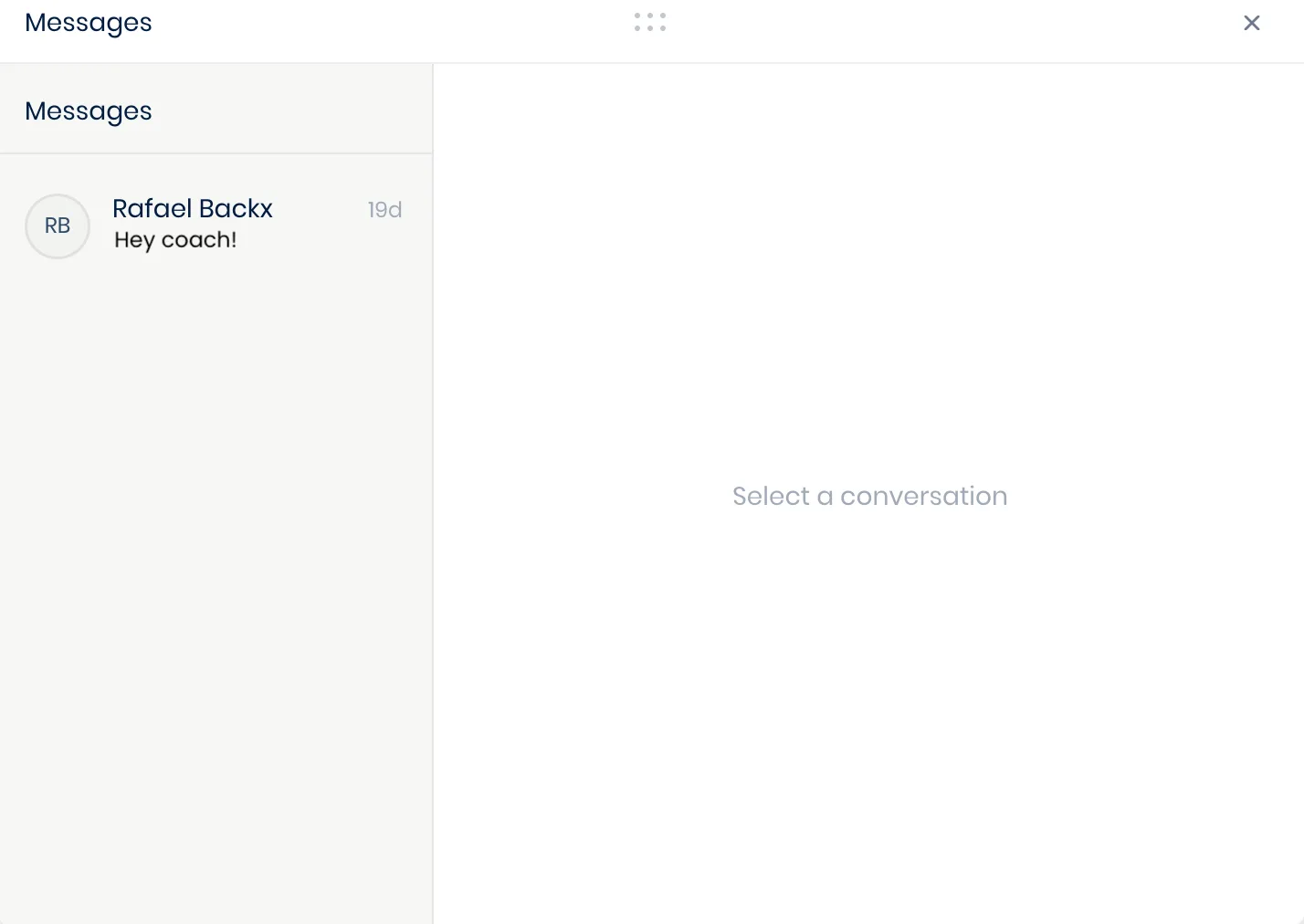
This hosts your general conversations with your athletes: check-ins, questions, anything that isn't tied to one specific session.
While it's kept separate from the workout-specific notes covered in Reviewing a workout, you can still ask the AI co-pilot to summarize or cross-reference anything between the two. That way, you can keep every athlete top of mind.