
One workspace for everything about how you coach
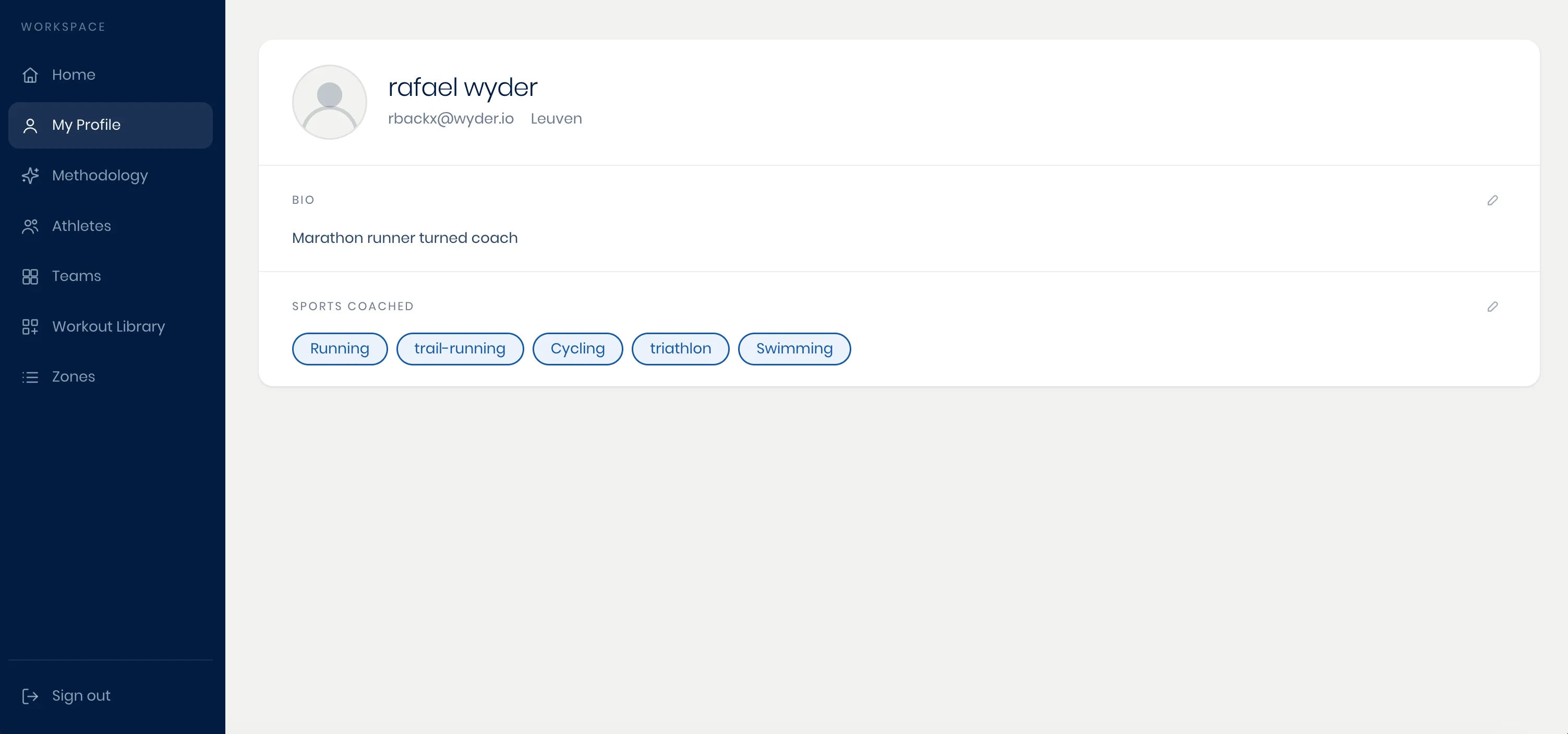
Click your profile icon in the top right corner of the screen to open your account, a single workspace with six tabs:
- My Profile: This tab holds your bio and the sports you coach.
- Methodology: This tab holds your default coaching methodology, plus every athlete-specific override you've set up for someone who needs a different approach (see Different methodologies for different athletes).
- Athletes: This tab shows all your athletes, pending invites, and each athlete's active training plan (see Adding athletes).
- Teams: This tab lets you create and manage your teams (see Organizing teams).
- Workout Library: This tab holds every saved workout template, filterable by sport (see The workout library).
- Zones: This tab holds your default pace, power, and heart-rate zones per sport (see Setting zones and thresholds).
Whatever you set, or chose to skip, during onboarding stays fully editable here, at any time, so your setup keeps pace as your approach and your roster both grow.