Building a plan by hand
Plans are built for one athlete at a time, anchored to one or more specific goals right from the start, so every phase and workout that follows actually builds toward something concrete. Start one from an athlete's Season tab by clicking Create training plan, or from anywhere you see a No active plan prompt: their page header, or their row in Your account -> Athletes. Creating one manually first requires you to enter all basic info, such as a name, the sports involved, one or more events and time goals, and a start and end date.
You can add multiple races or events if desired, each with different specifics and priorities (see Adding races and goal events).
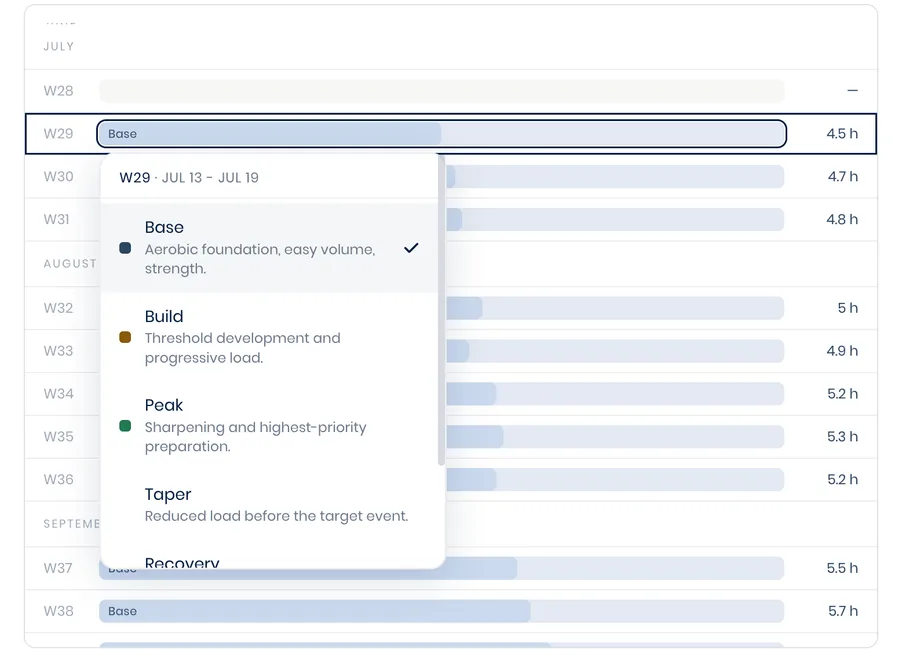
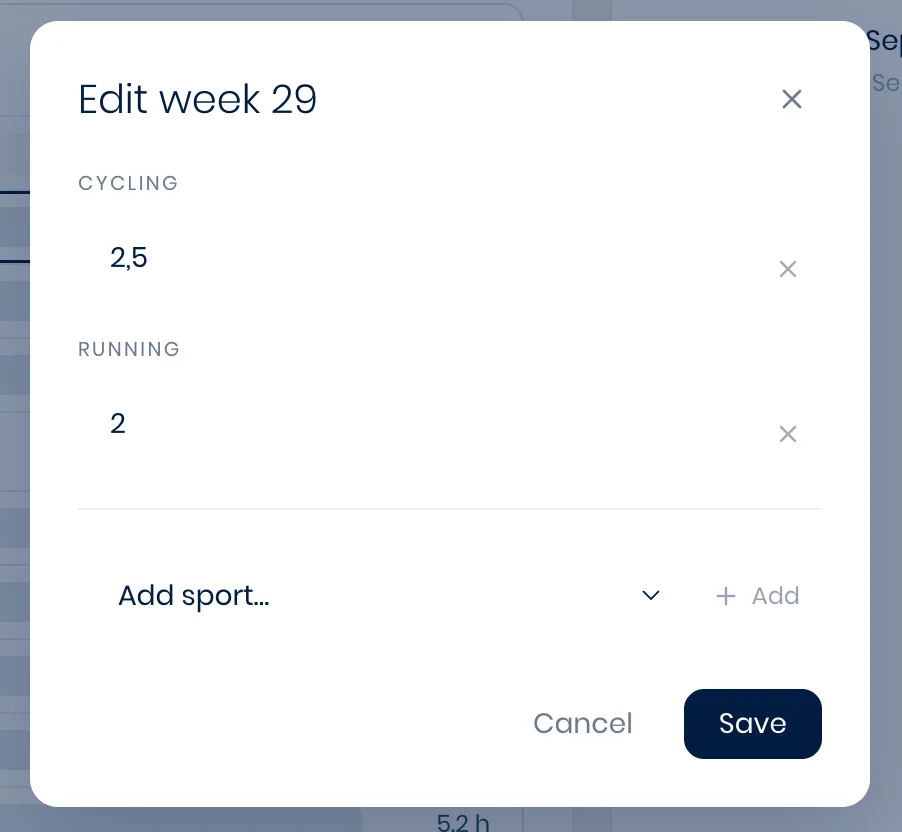
After this, you can start manually building the training plan. In the Season tab of the relevant athlete profile, you can assign different phases to specific weeks by clicking on the corresponding week in the left-side panel. You can also set the desired training load for each week, per sport, by clicking on the number next to that week.
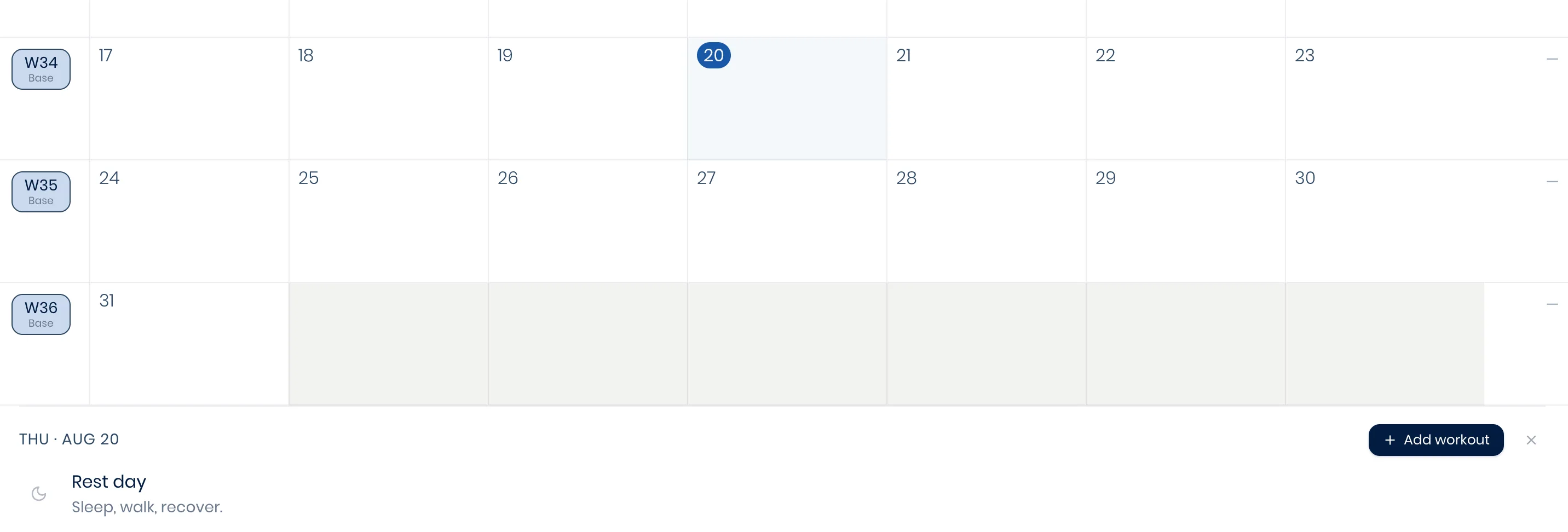
Workouts can manually be assigned to this plan via the athlete's monthly calendar view under the Home tab or through your Workout Library, as described in Building workouts.
Building a plan with your co-pilot
Instead of stepping through the wizard and scheduling all workouts yourself, you can speed up the process by describing what you need to your personal AI co-pilot and letting it draft the plan for you. It works top-down: first, it drafts an entire annual plan, laying out phases and volume across the whole season toward the athlete's goal, whether that's a single race, a string of races, or ongoing training with no fixed event.
From there, it only generates the detailed, day-by-day workouts four weeks ahead to start, then keeps generating two weeks ahead on a rolling basis as the plan progresses, rather than filling in an entire year of sessions up front. If you'd rather see further ahead, just ask it to generate more weeks in advance. See Building workouts with AI for the same approach applied to a single workout.
Reviewing drafts
Whether you built it by hand or asked your co-pilot to draft it, every new plan starts life as a draft. A banner on the athlete's calendar makes this obvious, and nothing reaches the athlete until you explicitly activate it, giving you room to build and refine it for however long you need. Once active, a plan can later be paused, completed, or abandoned too.
Adjusting a draft, or any active plan, is just as easy: override the phase for a single week directly from the athlete's Season tab, adjust any workout as desired from the Home tab, or simply ask your co-pilot for any desired change.
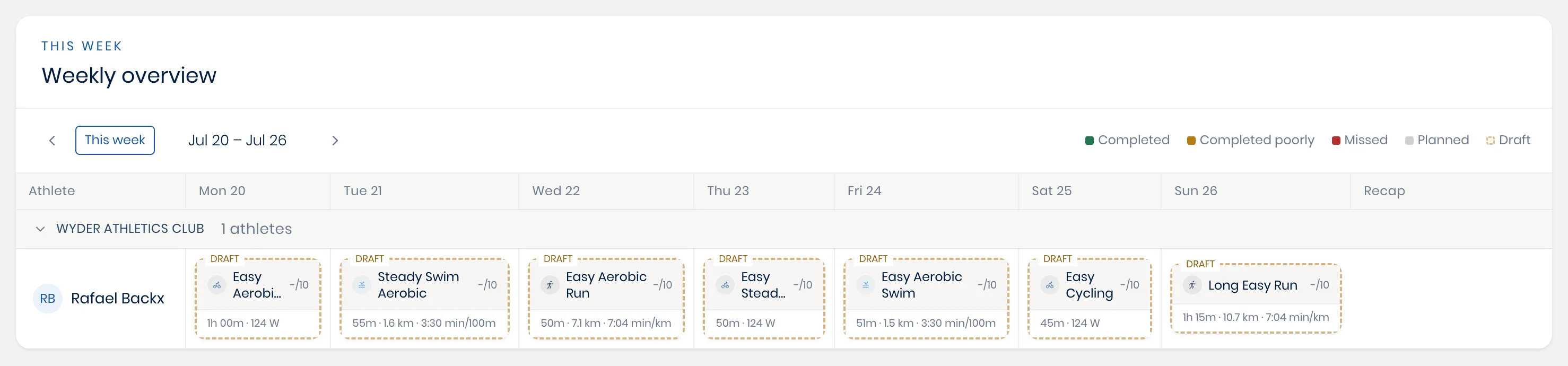
Drafts are also reflected in your roster overview, by highlighting workouts from a training plan draft as shown below.