
A plan you build once
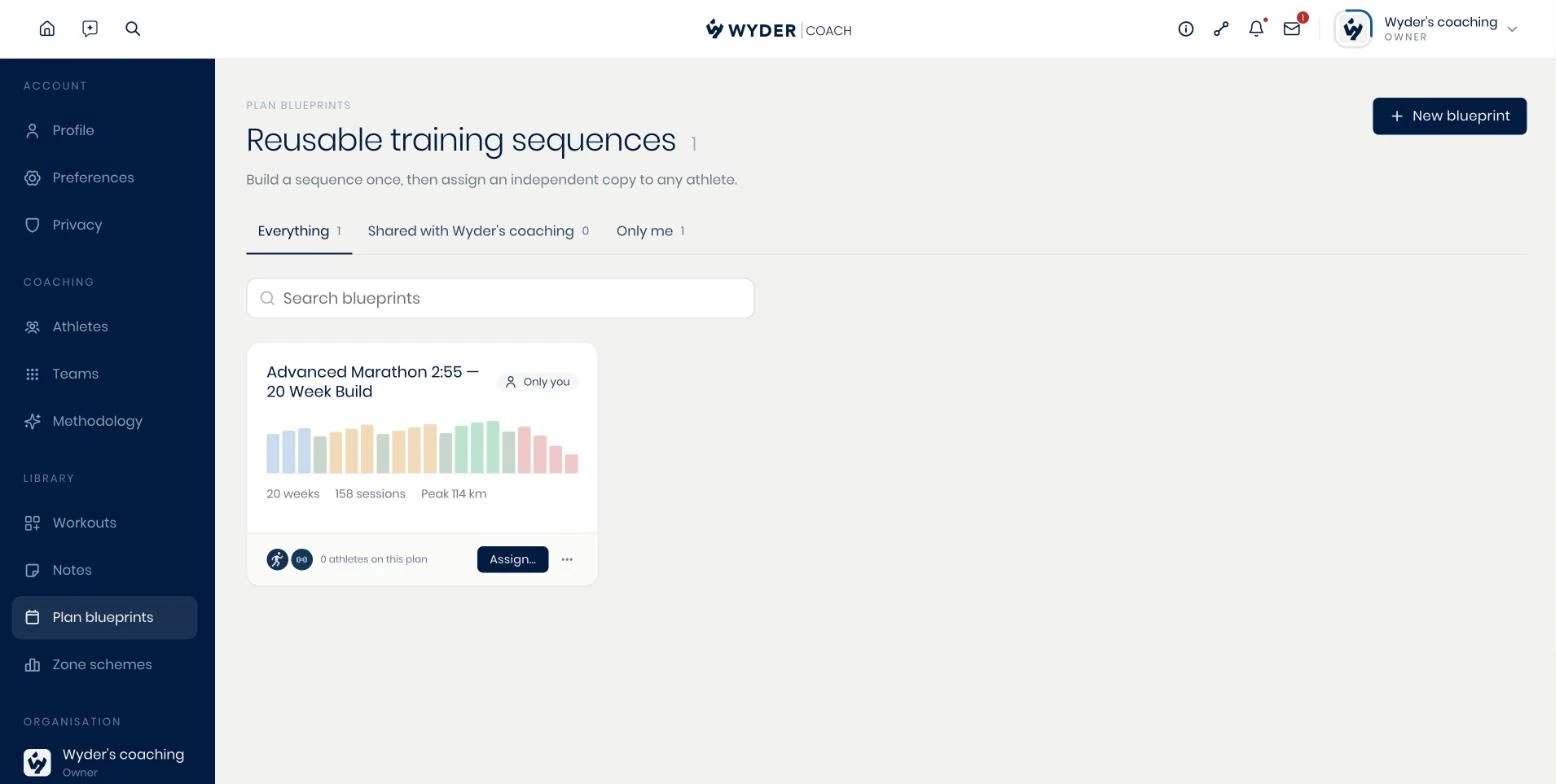
A plan blueprint is a reusable training sequence: weeks of workouts and coaching notes, arranged once and assigned as often as you like. It suits the builds you run again and again, such as a marathon block or an off-season base.
Find your blueprints in your settings (the organisation icon in the top right) under Library -> Plan blueprints, and start one with New blueprint.
Setting one up
A new blueprint asks for a name and a description, a plan mode (Race preparation or Maintenance), and how you measure weekly volume. Time tracks the week in hours and works for any mix of sports. Distance tracks it in kilometres, for one endurance sport.
You also choose who can use it: only you, or everyone in your organisation.
Filling the weeks
The blueprint editor is a calendar without dates. Add workouts and notes to its days, from your library or built on the spot, and add or remove weeks as the sequence takes shape.
Because a blueprint has no athlete yet, its workouts stay anchored to thresholds and zones. Volume estimates lets you enter a typical pace or speed per sport, so the blueprint can show a weekly volume. These are planning estimates only and never change a workout's targets.
Assigning it to an athlete
Click Assign on a blueprint and choose the athlete. Wyder checks that the athlete has the thresholds the blueprint's workouts need, and tells you which ones are missing.
Pick the Monday week 1 starts on, and the whole sequence moves with that date. A preview shows how the weeks land. Then choose how it meets the season that is already there: Replace weeks swaps the existing weeks for the blueprint's, and Add to weeks puts its workouts alongside what is already planned.
The athlete gets an independent copy. Changing the blueprint later leaves plans you already assigned untouched, and you can adjust the athlete's copy freely.
An assigned blueprint follows the same visibility rules as any other planning. Check which weeks the athlete can see after assigning (see Drafts and publishing weeks).