Connecting to you
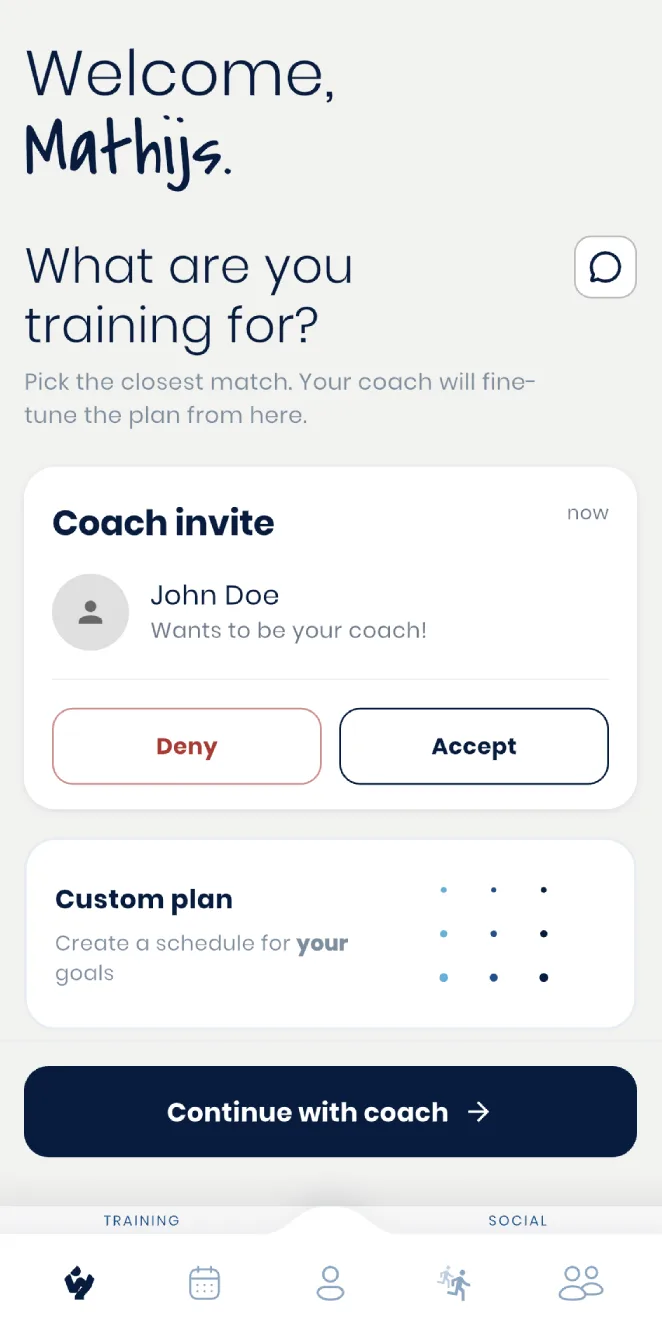
Once you send an invite (see Adding athletes), your athlete accepts it from their own Wyder app. That's the whole connection step on their side. They never need a separate Wyder subscription to be coached by you.
Setting up
Right after accepting, an athlete works through a short setup of their own:
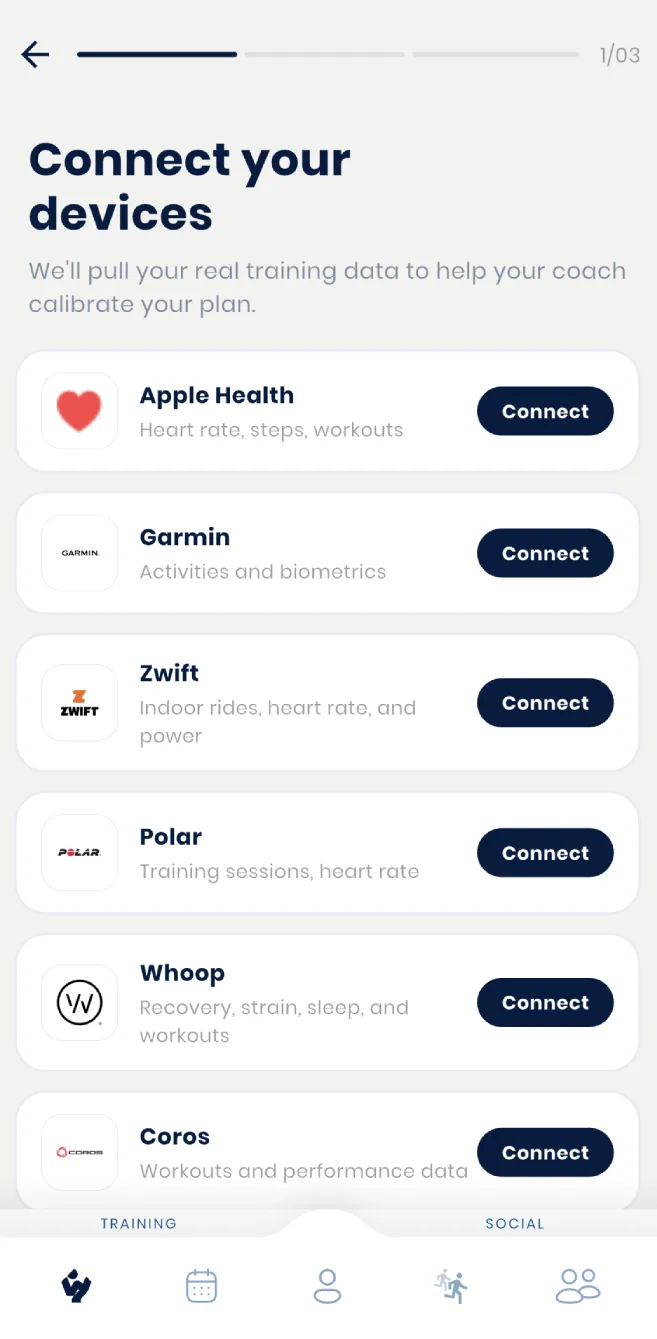
- Wearables: This lets them connect any of the same devices covered in Supported devices.
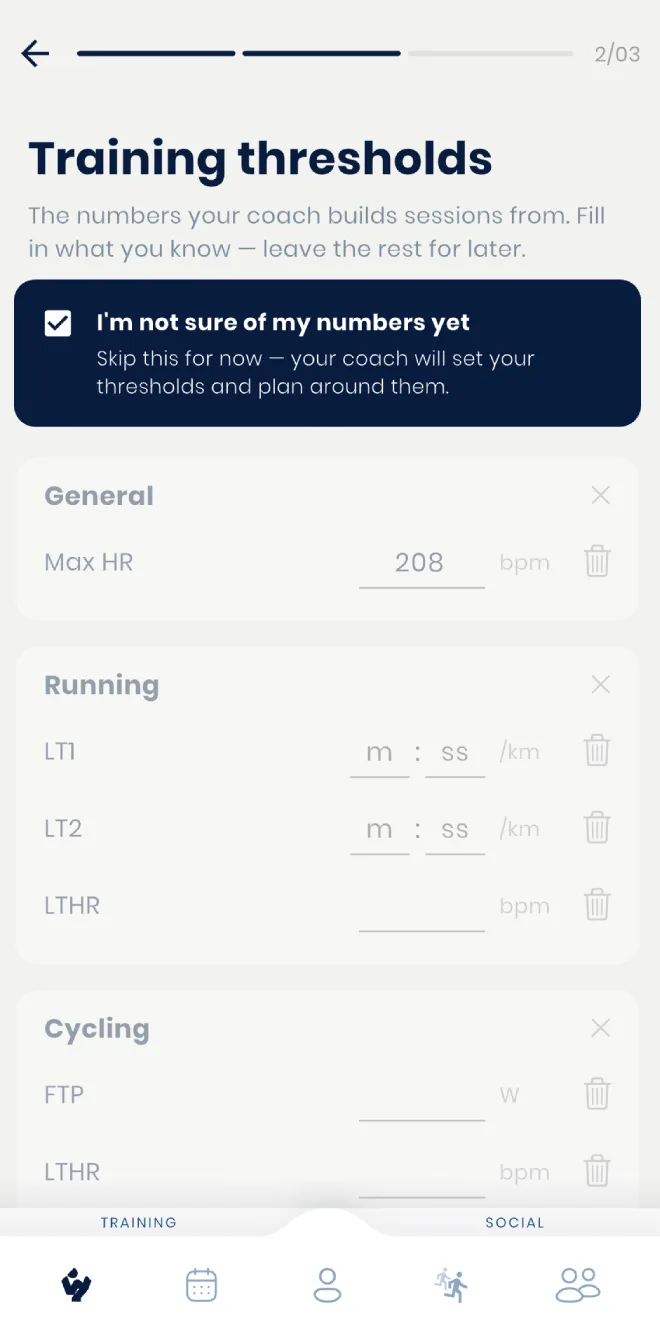
- Thresholds: This lets them enter their own numbers for whichever sports they already train if they know them up front, so their prescribed intensity actually means something from day one. Skipping this is fine too: the athlete can leave it for you to set instead.
- Availability: This lets them tell Wyder when they're generally free to train during the week.
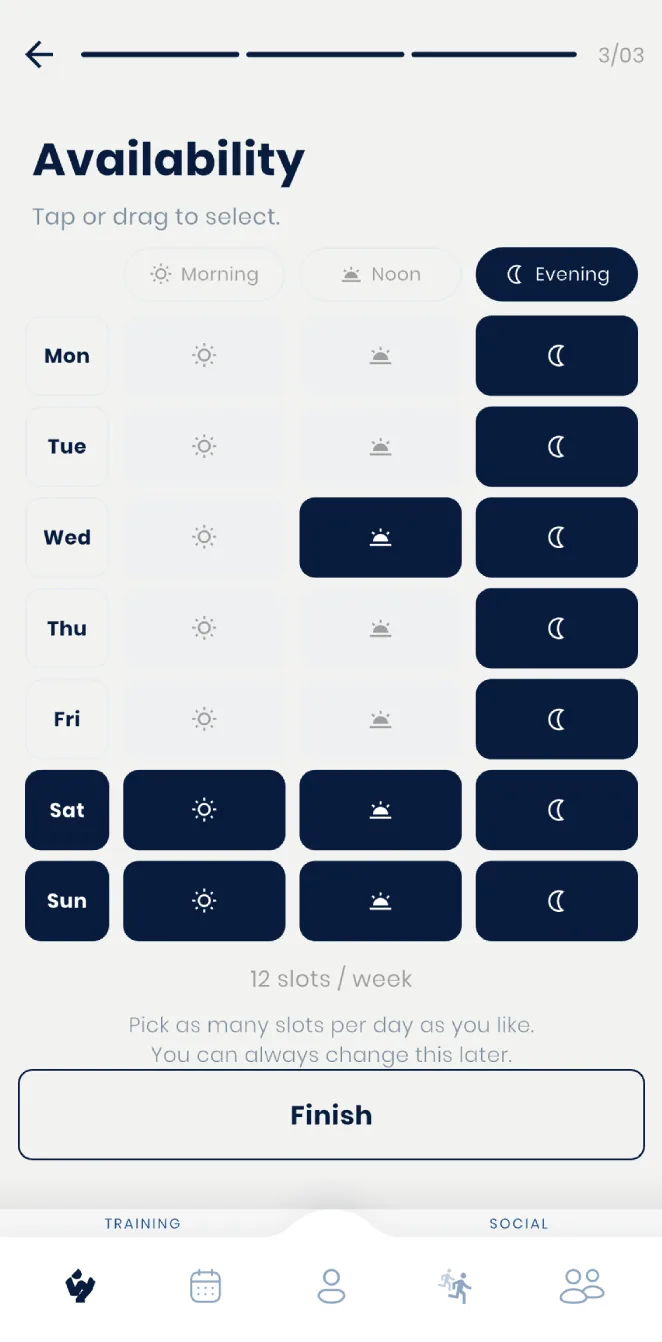
None of this is required before you can start planning for them, but knowing what your athlete is about to walk through means you can tell them what to expect, rather than leaving them to figure it out cold. Availability and thresholds can both be changed later too. See What your athlete sees: their plan, calendar & availability for how they revisit availability afterward.
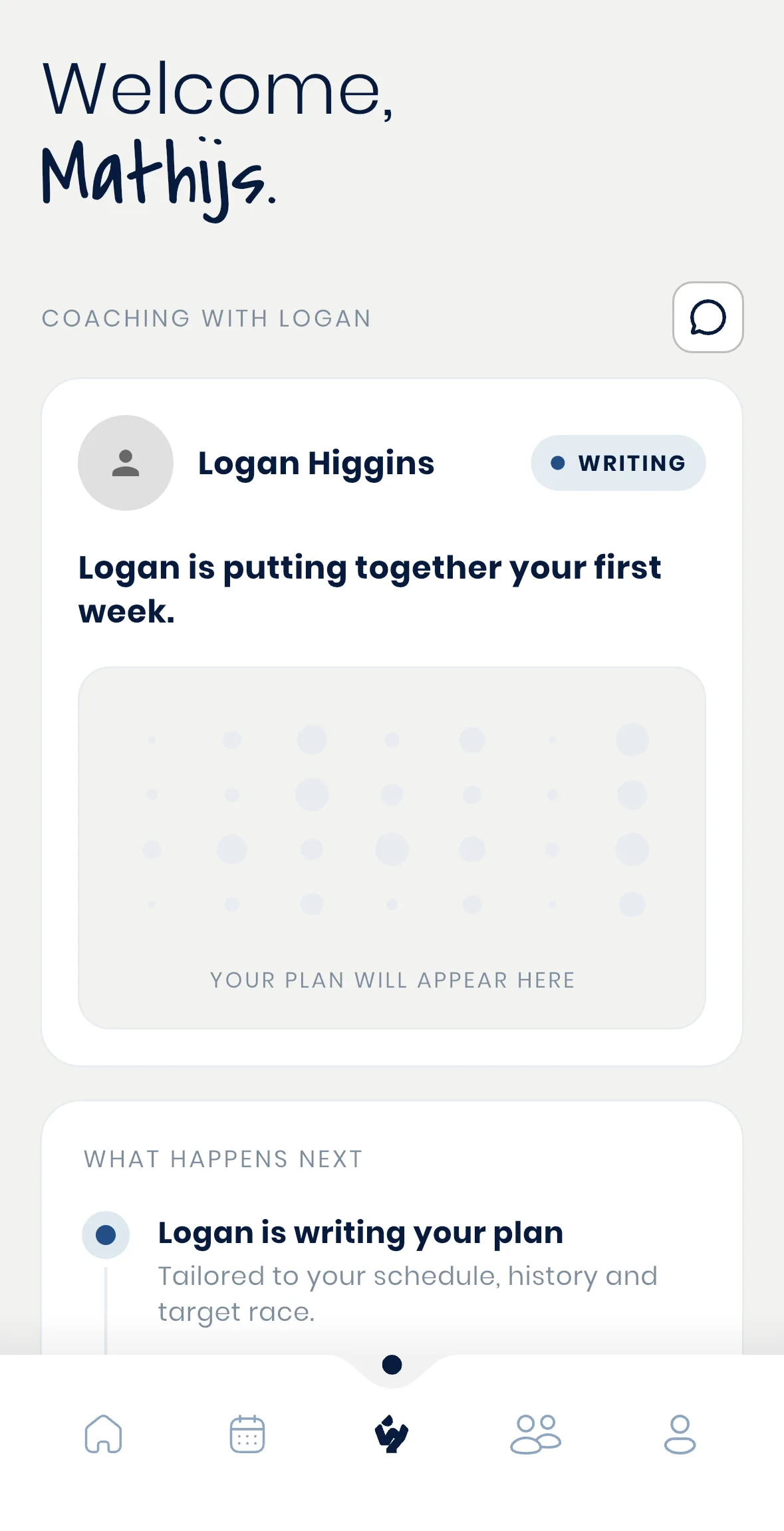
Until their first plan is ready, an athlete sees a status screen naming their coach and confirming a first week is being put together, rather than an empty app, so they know something is already in motion on your side.