
Across the whole roster
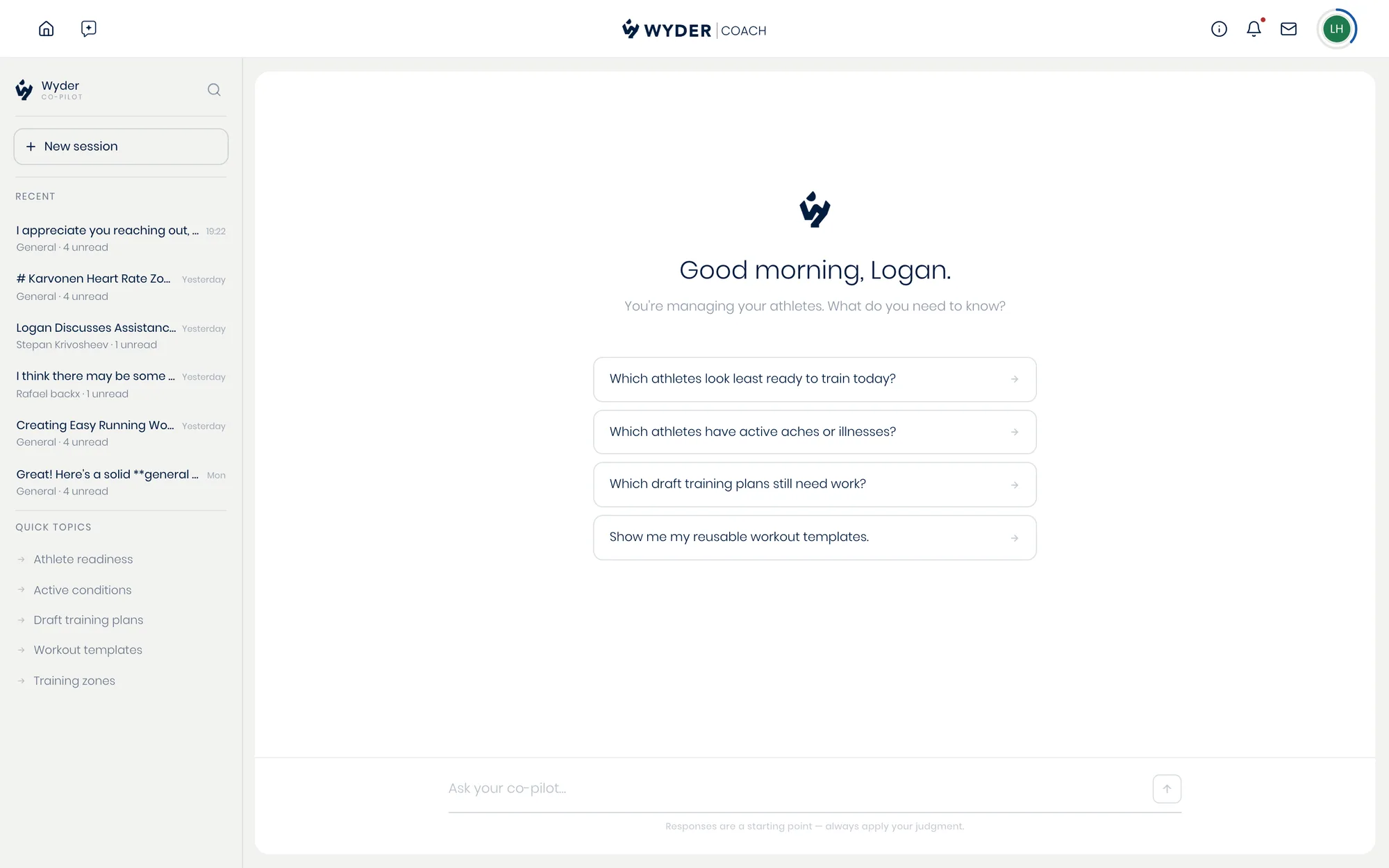
Open your personal AI co-pilot from outside any athlete's profile to ask questions that span everyone you coach. Ask who needs attention this week, request a review of everyone's training plans, or brainstorm coaching ideas. Ask it to compare athletes directly and you'll get a chart back in the conversation, not just a written answer.
Past conversations are saved in a sidebar, so you can pick up an earlier thread instead of starting over. This is how you keep real oversight of a growing roster.
About one athlete
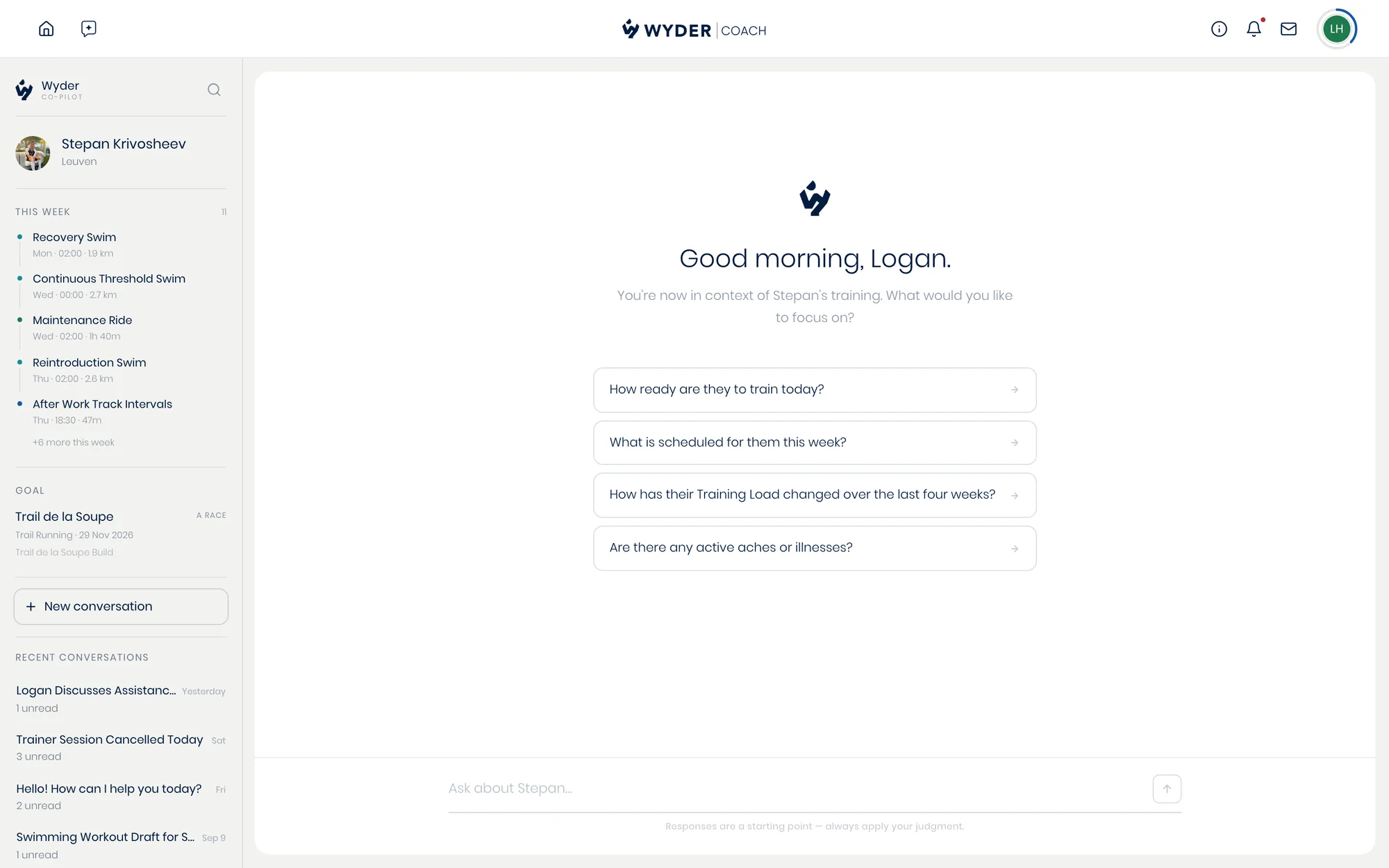
Open it from a specific athlete's page instead and every answer or draft is already grounded in their context: their own methodology if you've set one (see Different methodologies for different athletes), their current plan, and their history.
There's no need to re-explain their situation each time, so what you get back is genuinely specific to them rather than a generic answer you'd have to adapt yourself.
That context carries across sessions too, so picking the conversation back up later doesn't mean starting from zero.
It's one co-pilot either way, and the difference is only what it assumes you're asking about. You can still ask an athlete-specific question from the roster-wide chat; you just have to say whose athlete it is. See What the co-pilot can help with for what it can actually do once you're in.