
Keeping a growing roster manageable
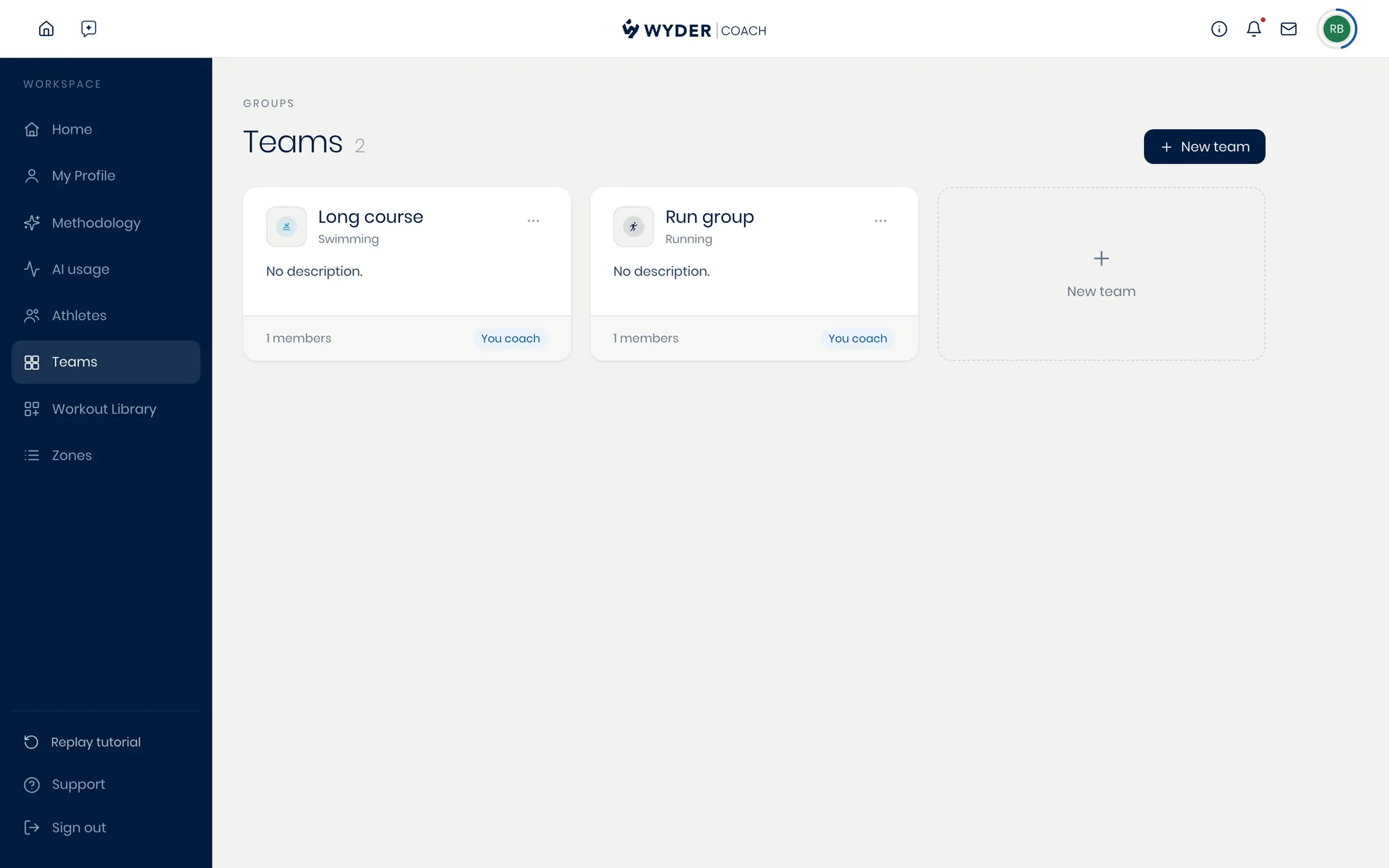
Create a team, rename or delete it, and add or remove athletes from a simple searchable list, all from Workspace (profile icon in the top right) -> Teams.
Team grouping is exactly what organizes your roster in Your athletes at a glance, on both the Roster table and the day-by-day Calendar view, so a large roster stays easy to scan instead of turning into one long undifferentiated list. Anyone without a team simply lands in a single group there.
Planning group sessions
Scheduling one session for a whole team at once, rather than assigning it to each athlete individually, is on its way (see What's coming next). Once it lands, a single session assigned to the team will still resolve its intensity to each athlete's own thresholds, with the numbers personalized to each of them.