
Guidance that belongs to a day, not to a session
Some things you need to tell an athlete are not about one workout. A travel week, what to do if the weather turns, how to handle a race weekend, a reminder to get bloods done.
Open any day in an athlete's monthly calendar under their Home tab and leave a Calendar note on it, and the guidance sits on the day it applies to instead of scrolling away in a chat.
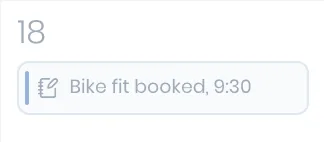
A note can carry files as well as words, so a lab report, a race brief, or a route sheet lives with the day it belongs to rather than in an email neither of you can find later.
Drafting, then publishing
A note is yours until you publish it. Write it while you are planning the week, leave it unpublished, and the athlete sees nothing; publish it and it appears on their day in the Wyder app.
Once it is out, they can comment on it, and so can you, so a note about a hard week can turn into the short exchange that sorts it out.
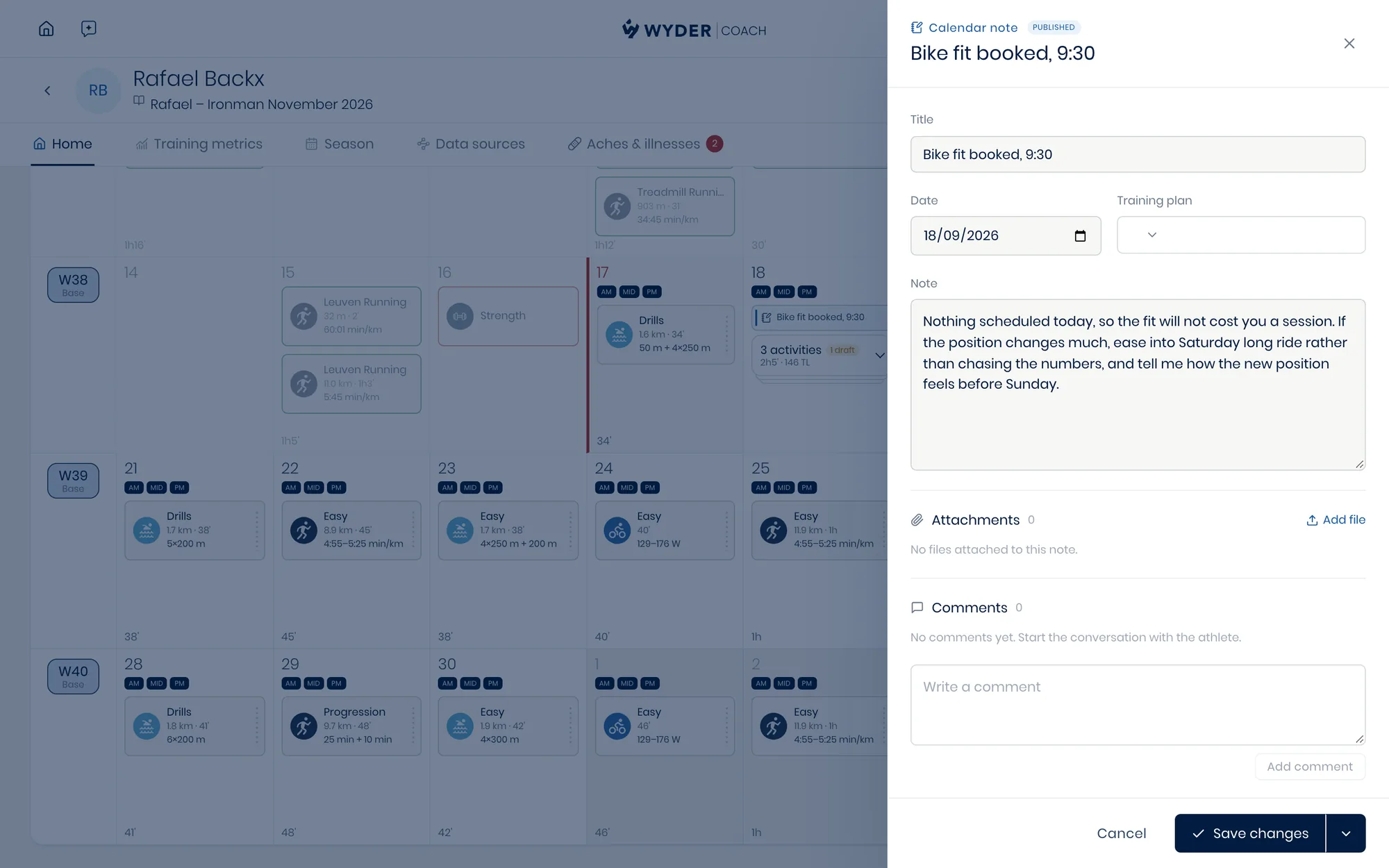
This is the third place words pass between you, and they are worth keeping straight. A workout note is instructions for one session, written before it (see Building workouts). Messaging is the general conversation (see Messaging athletes). A calendar note is for a day, and everything attached to it stays there.