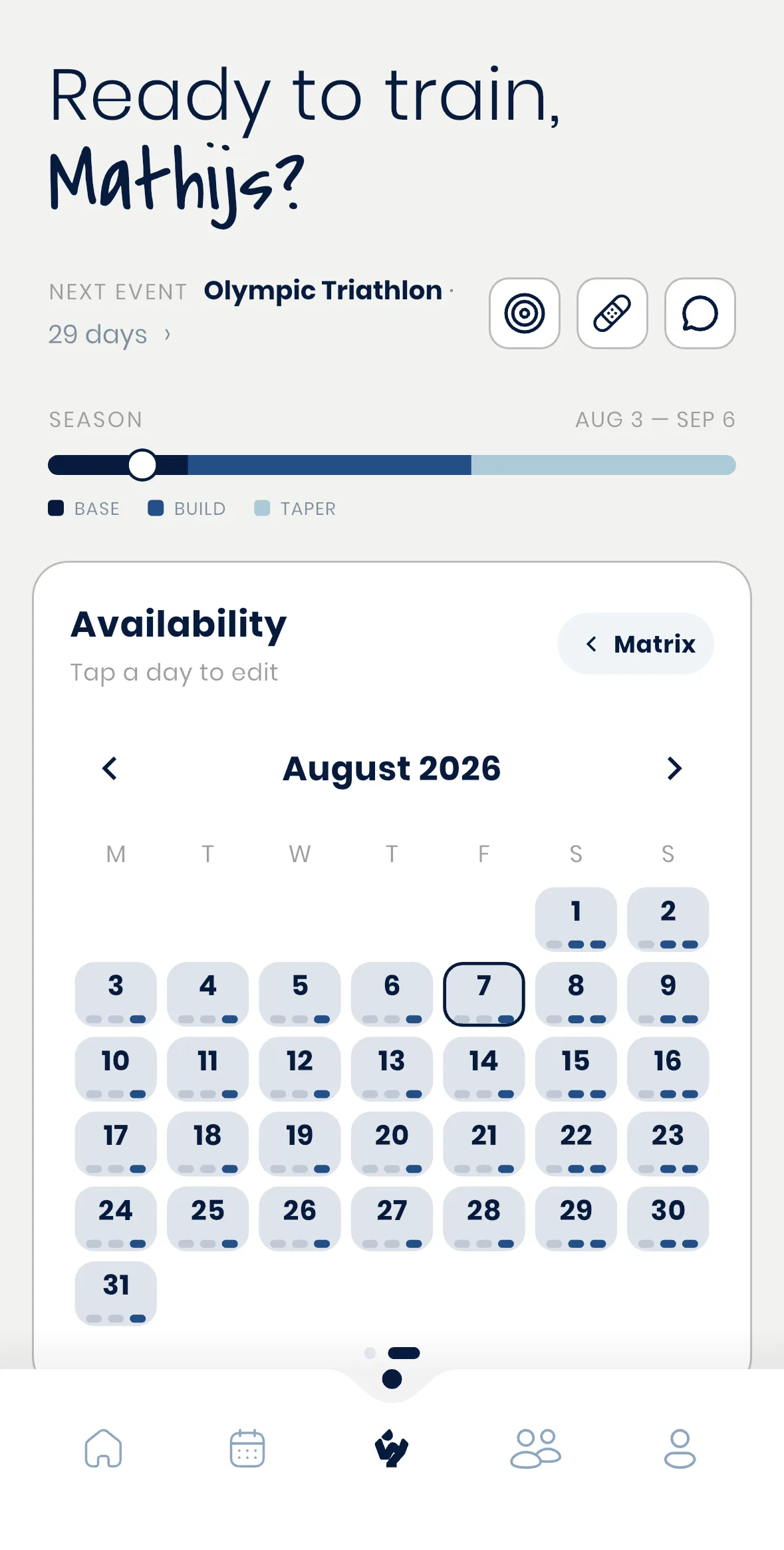
Their plan, on their side
Your athlete sees the same plan you build for them, laid out as their own day-by-day calendar in the Wyder app. Nothing appears there until you activate a plan or a workout, so if an athlete says they can't see something you're sure you built, check whether it's still a draft (see Why can't my athlete see this workout or plan?).
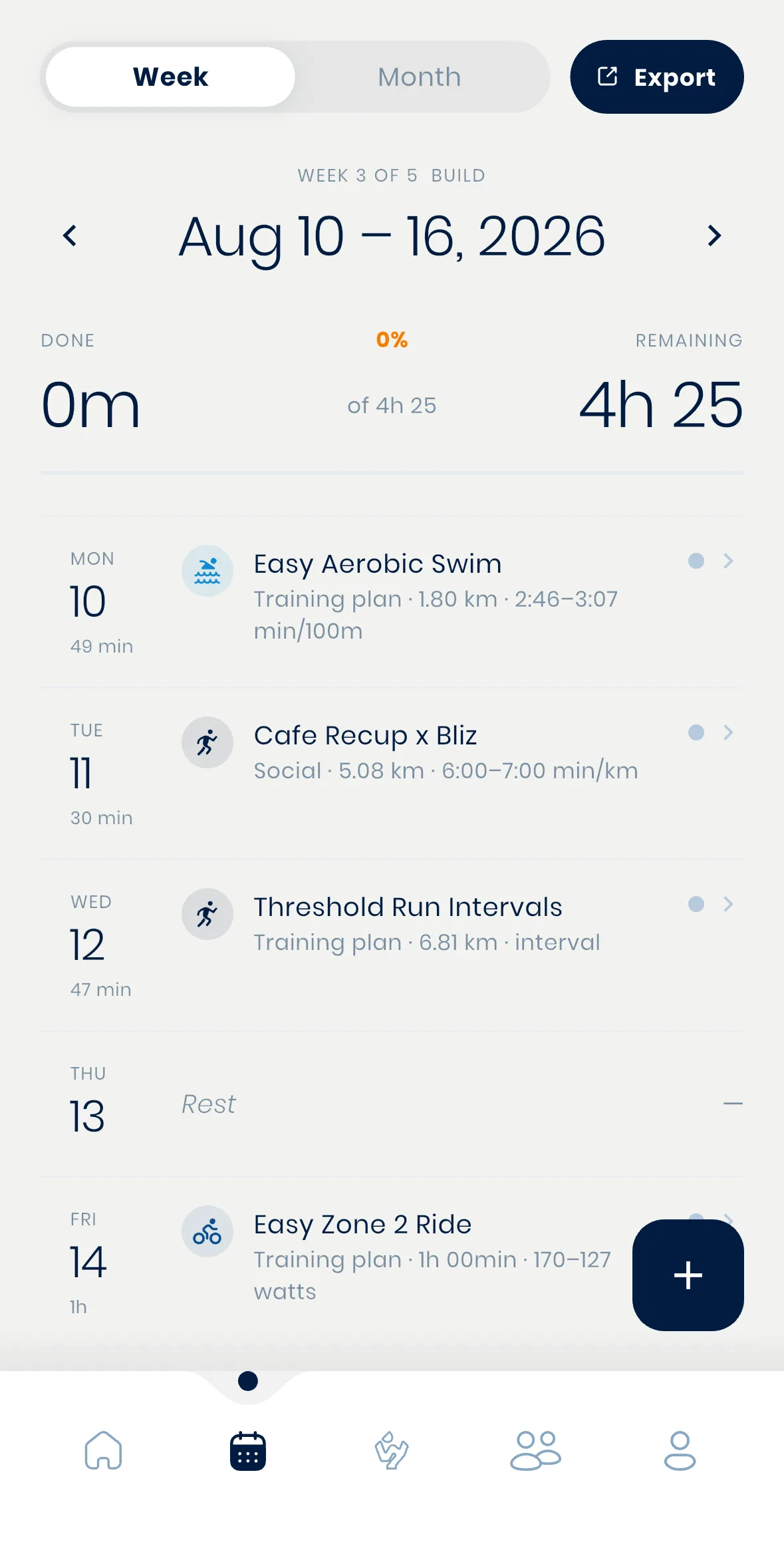
Fitness and training graphs, from their side
Your athlete has their own Fitness & readiness view, covering recovery, training load, and performance graphs for whichever sports they train.
This is the athlete's own read on their training. Your own per-athlete dashboard, covered in Building your athlete's data dashboard, is where you build the view that matters to you as their coach.
Changing their availability later
The weekly availability an athlete sets during onboarding isn't fixed. They can view or update it any time from their app, and it genuinely feeds into how their plan gets built, not just something you see for reference.