
When the numbers look wrong, look here first
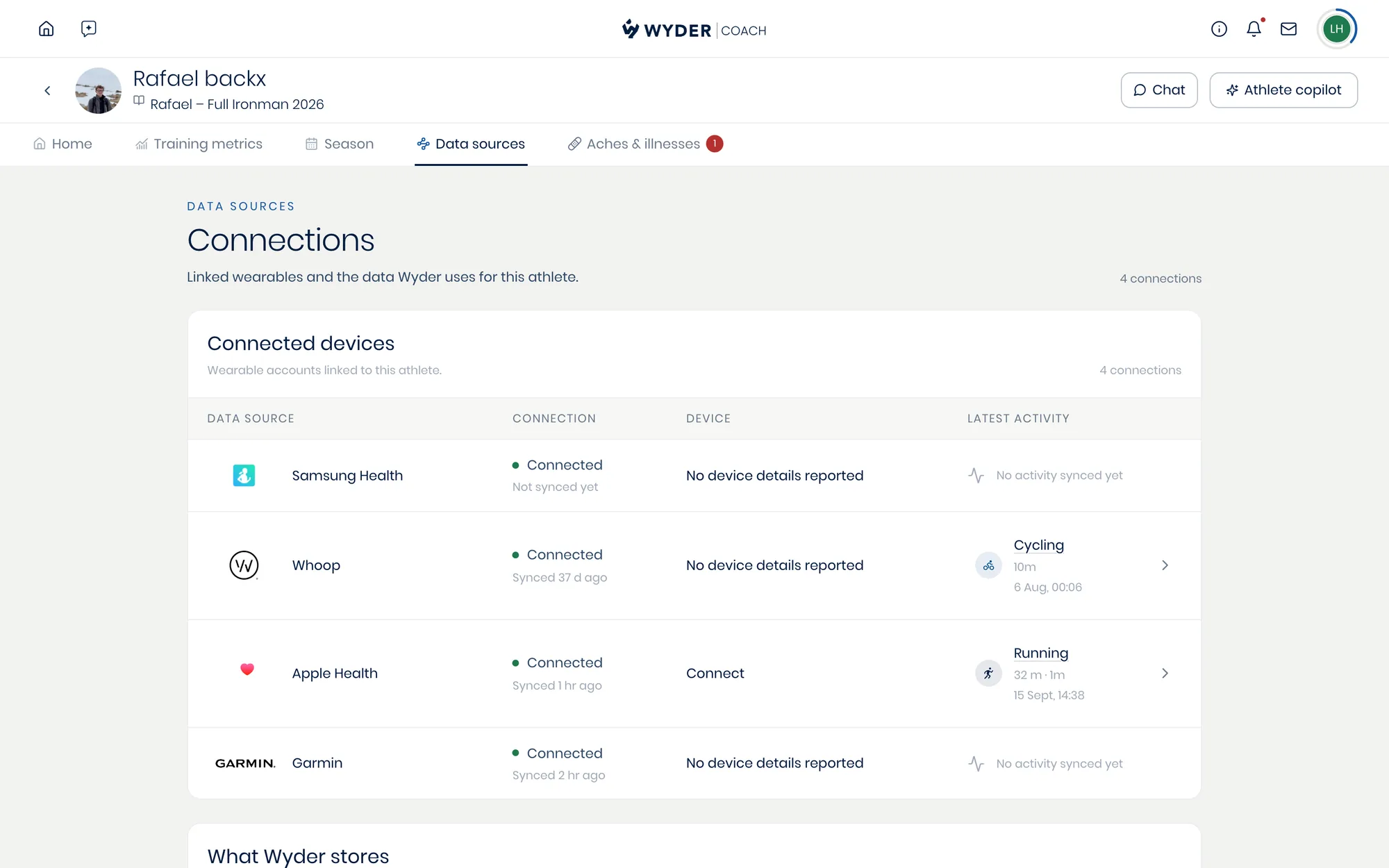
An athlete's Data sources tab lists every wearable they have connected, when each one last synced, and what it most recently sent. That is the first place to check the moment their data looks off.
Athletes who train on a watch and sleep with a Whoop are the common case, and it is easy to end up with four connections.
Choosing what Wyder keeps
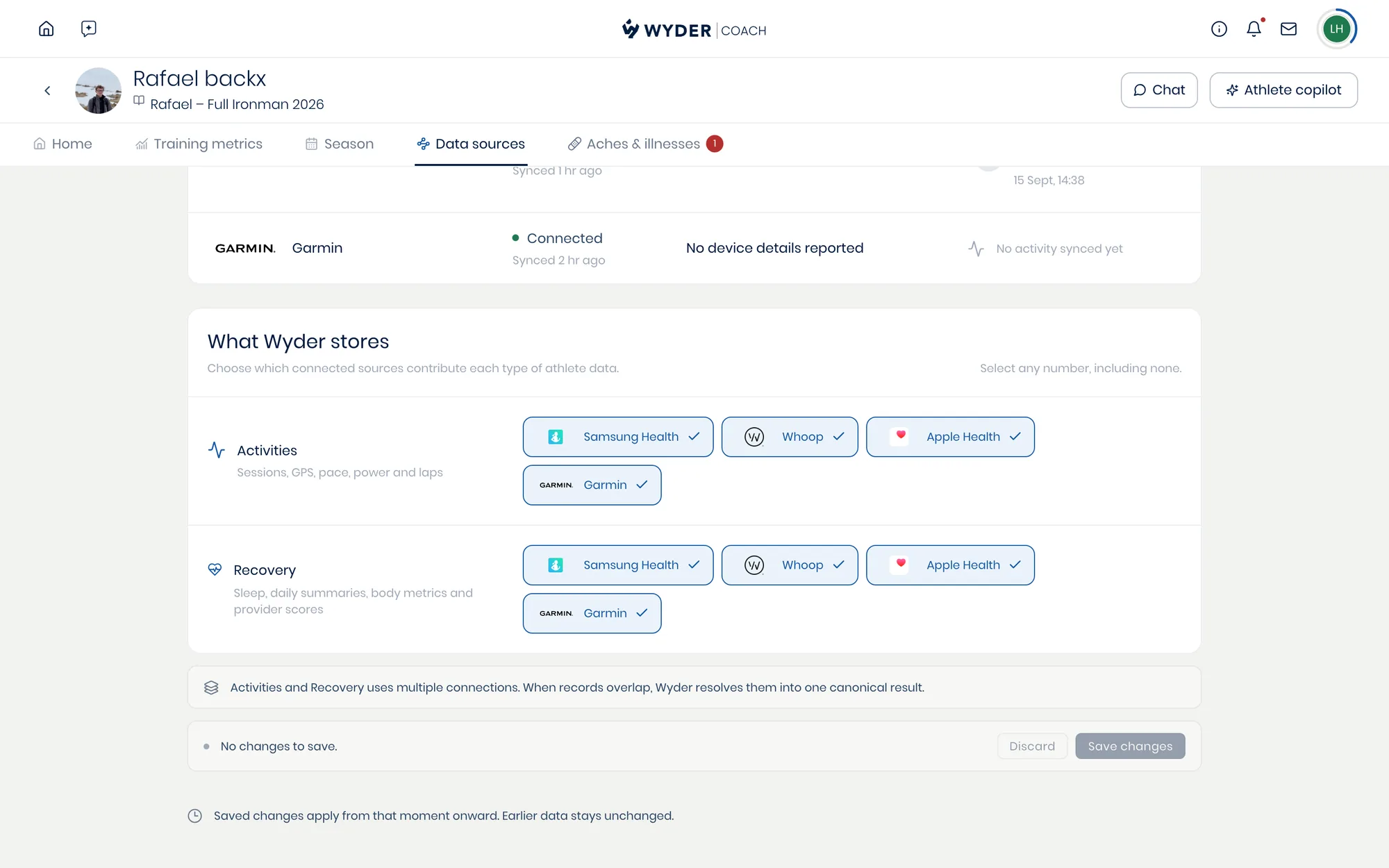
Under What Wyder stores, each type of data has its own row: Activities covers sessions, GPS, pace, power and laps, and Recovery covers sleep, daily summaries, body metrics and provider scores. Pick which connections feed each one. You can select any number, including none.
Where several sources overlap, Wyder smartly resolves them into a single result rather than counting the same session twice.
Changes apply from the moment you save them, and data already recorded stays exactly as it was. This shapes what arrives next rather than rewriting the history you have been reading.
The connections themselves stay with the athlete: they add and remove devices in their own app, and you decide what Wyder does with what arrives (see Supported devices).