
Two things a new athlete needs from you
Right after you invite someone onto Wyder, you are offered to provide the two pieces of context every plan for them gets built from: the events they are training towards, and how they need to be coached.
Their goal races and events
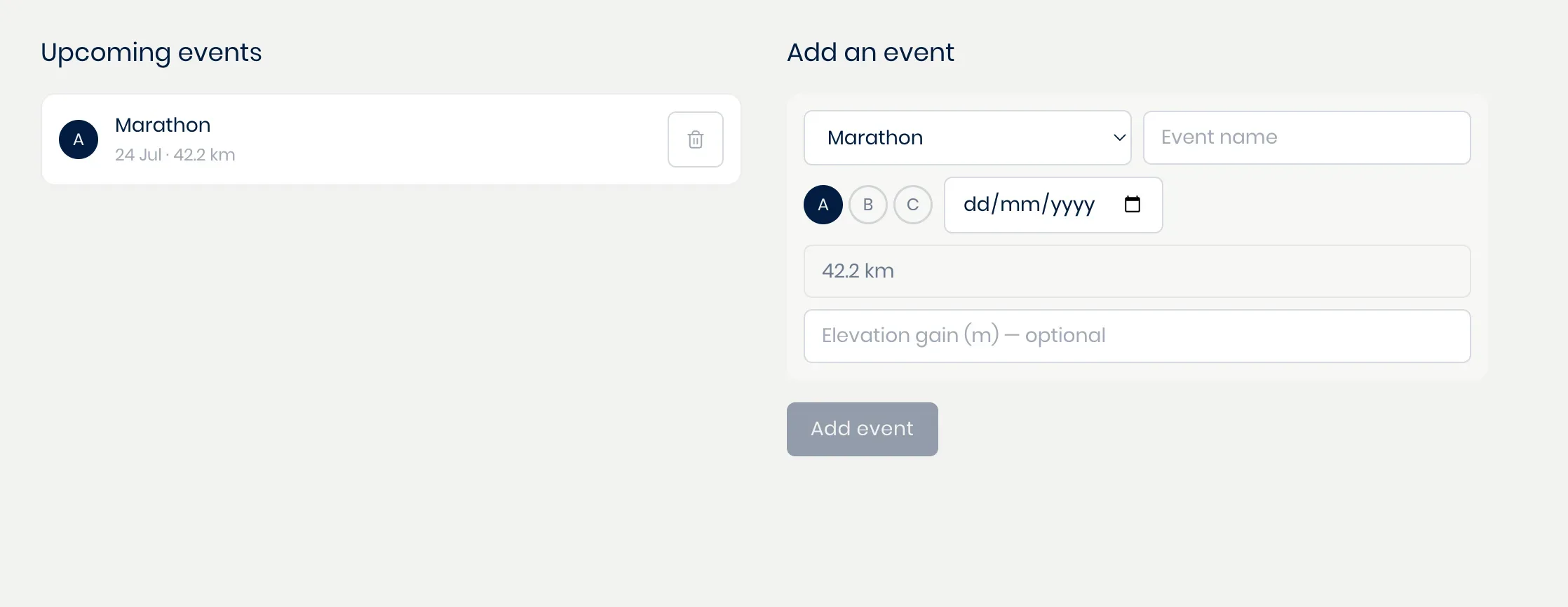
Add the events they are training for, with their name, date, sports, distance, goal time, and priority. Priority is what tells the co-pilot how much a race should shape the season around them, so an A race is what sets the training phases of an athlete's training weeks the most (see Adding races and goal events).
How this one should be coached
The second half is their own athlete-specific coaching methodology: their level, how hard you want them pushed, the hours they really have, and what their body has already been through.
It is a short guided setup, and it is what decides how conservative your co-pilot is when it plans their training and reads their data, so it is worth going through this if you want to get the most out of Wyder. Different methodologies for different athletes walks you through this, step by step.
Coming back to it later
Skip all of it now if you would rather wait and see. Everything here is just as easy to add afterwards, from the athlete's own profile for their events, or from Workspace (profile icon in the top right) -> Methodology -> Athlete-specific methodologies for the rest.