
Knowing where you stand
The work you set the co-pilot off on draws on a usage window, and Workspace (profile icon in the top right) -> AI usage is where you see how much of the current one has gone and how much is still there. Drafting a season, rewriting a block of workouts, or asking for chart after chart all register here. A quiet week does not.
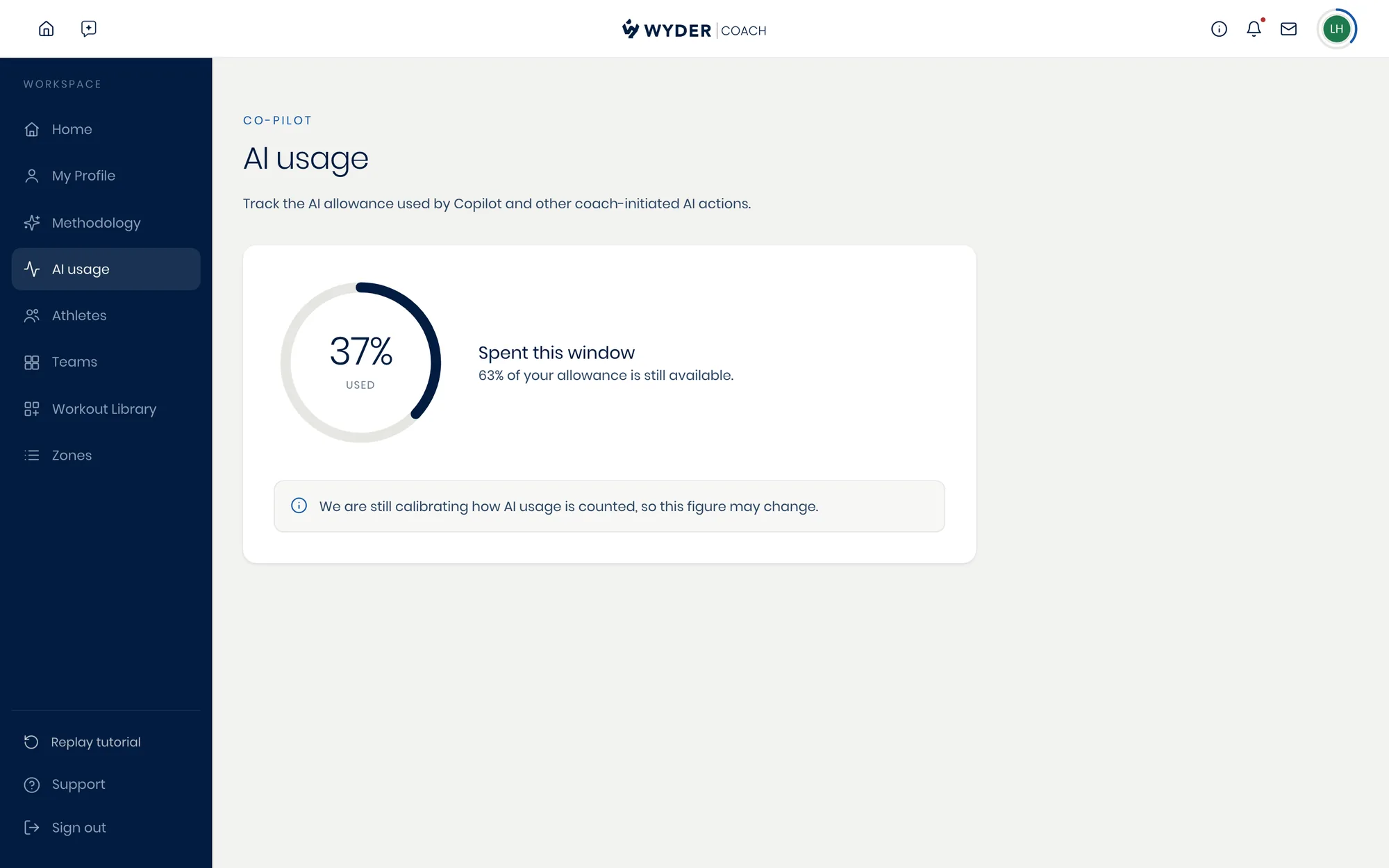
There is nothing to act on here. The page exists so the number is in front of you while you still have room to work around it, rather than being something you find out about at the worst moment.
AI usage is still being calibrated, and the page says so itself. Read it as a guide to how heavily you are leaning on the co-pilot this window, not as an exact figure.